

Meals out
Track dinners, drinks, and restaurant bills, then share a link so everyone can check the split.
Split dinners, trips, and rent without making friendship feel like accounting.
🎉 Used already by 100+ groups!


 + more
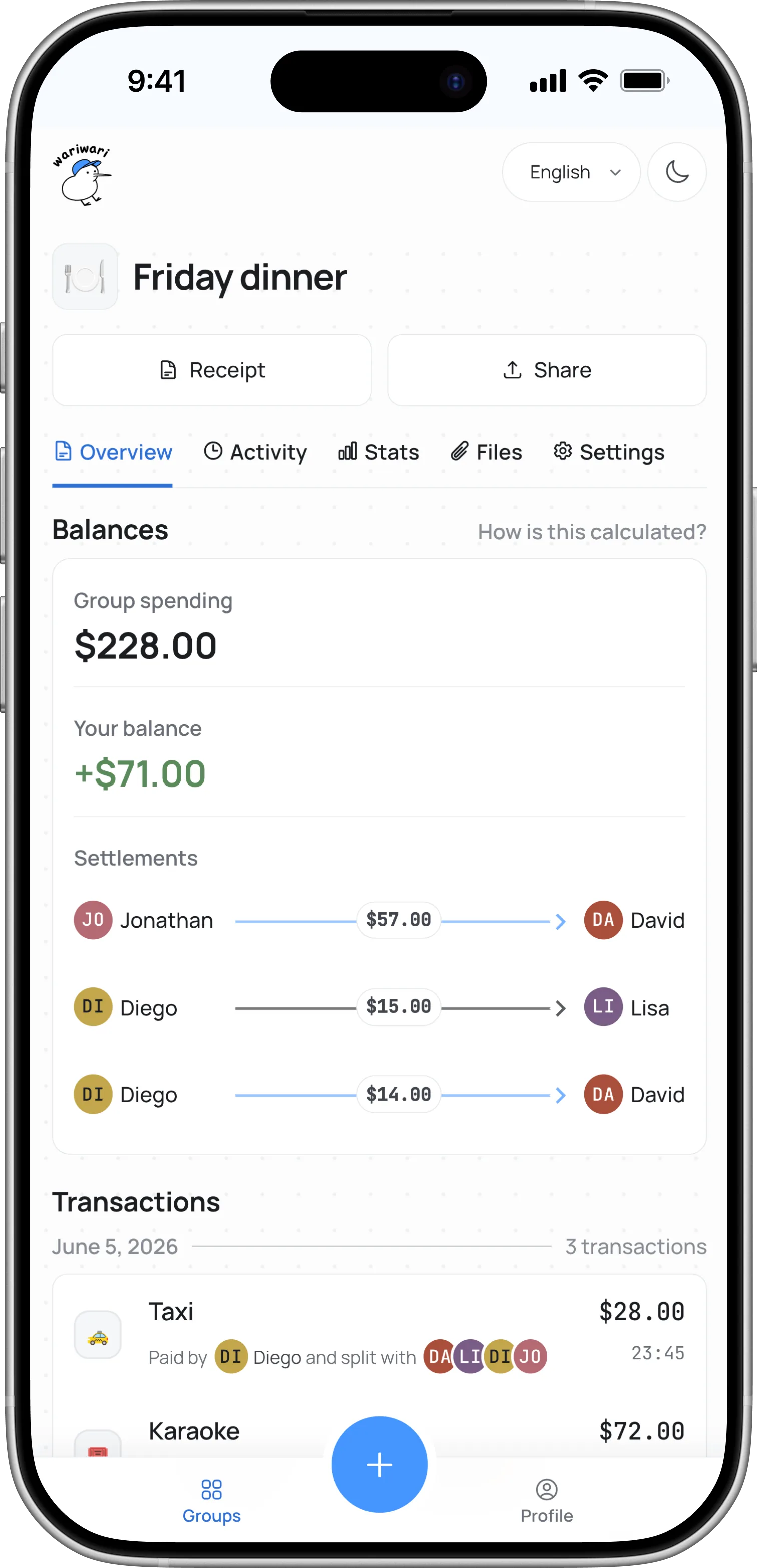
Track dinners, drinks, and restaurant bills, then share a link so everyone can check the split.
Keep hotels, meals, transport, and activities in one place. Settle up without spreadsheet math.
Record rent, utilities, and household supplies so everyone can see who has covered more this month.
Collect gifts, tickets, and event prep costs in one record that is easy to revisit later.
Trips, dinners, rent, your band, whatever you're sharing. Invite everyone with a link. No signup required.
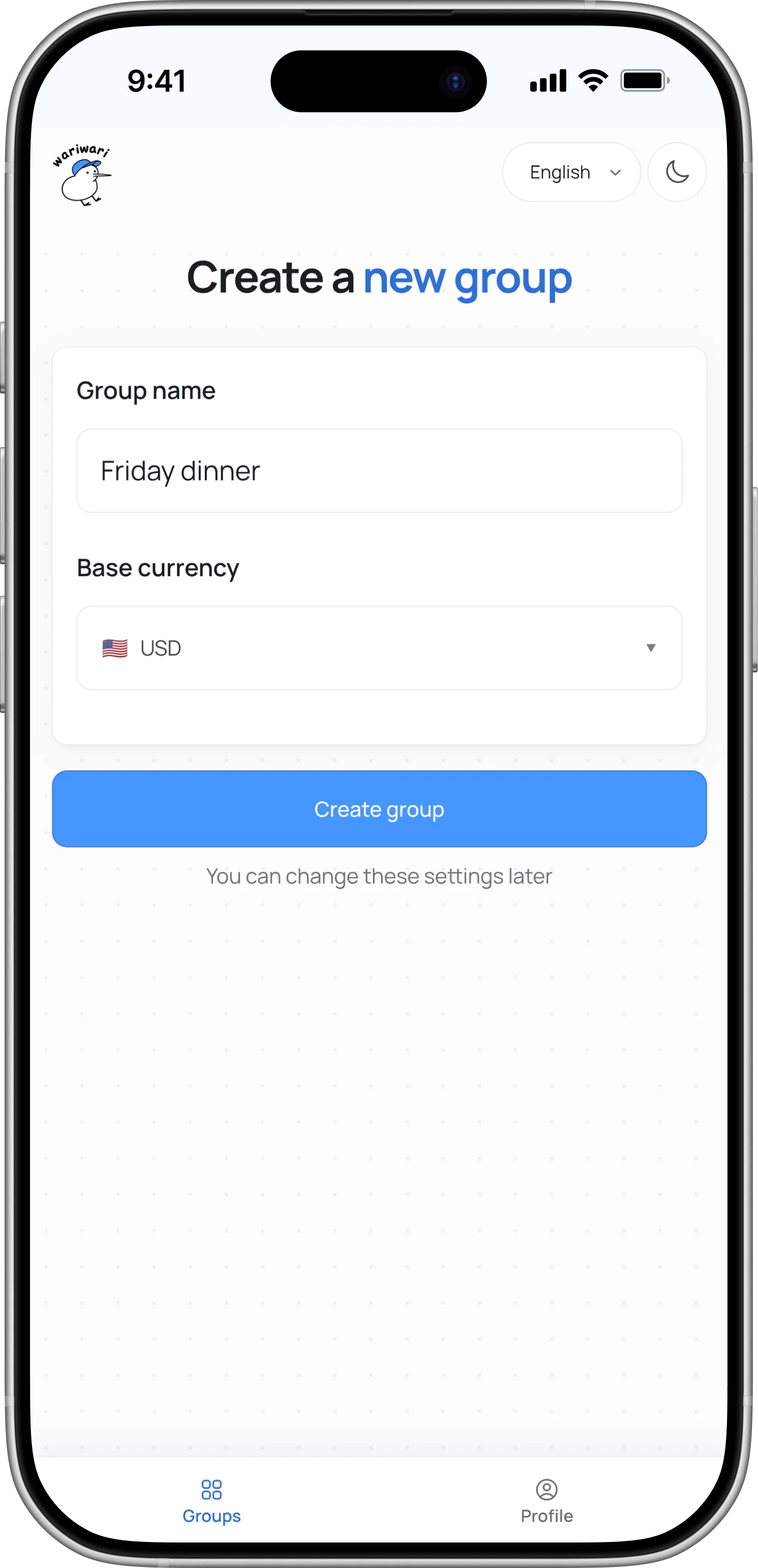
Choose who paid, who joined, and how to split it: equally, by amount, by percentage, or by share.
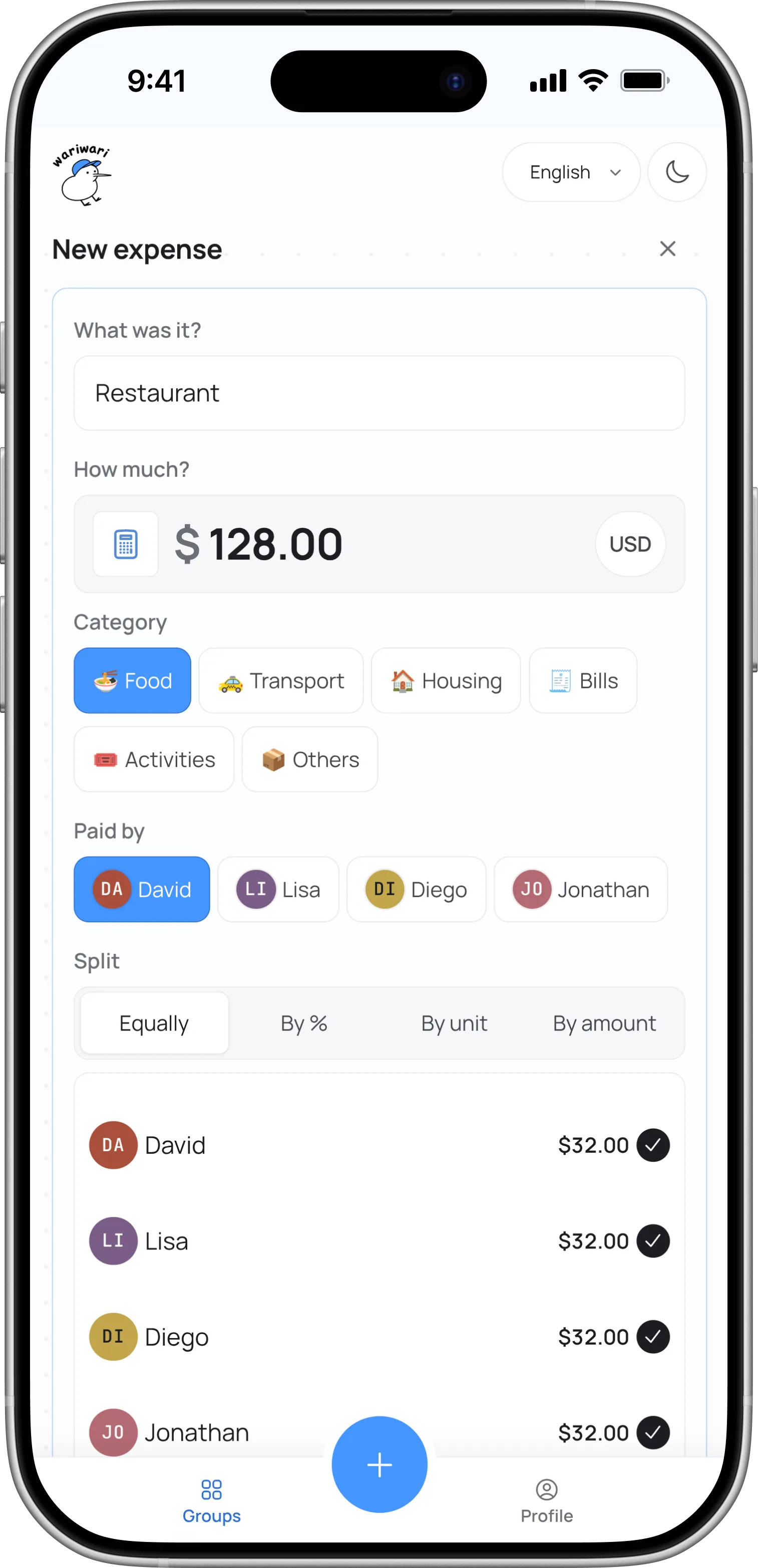
Wariwari turns the whole thing into one settle-up list, then keeps balances current as people pay each other back.
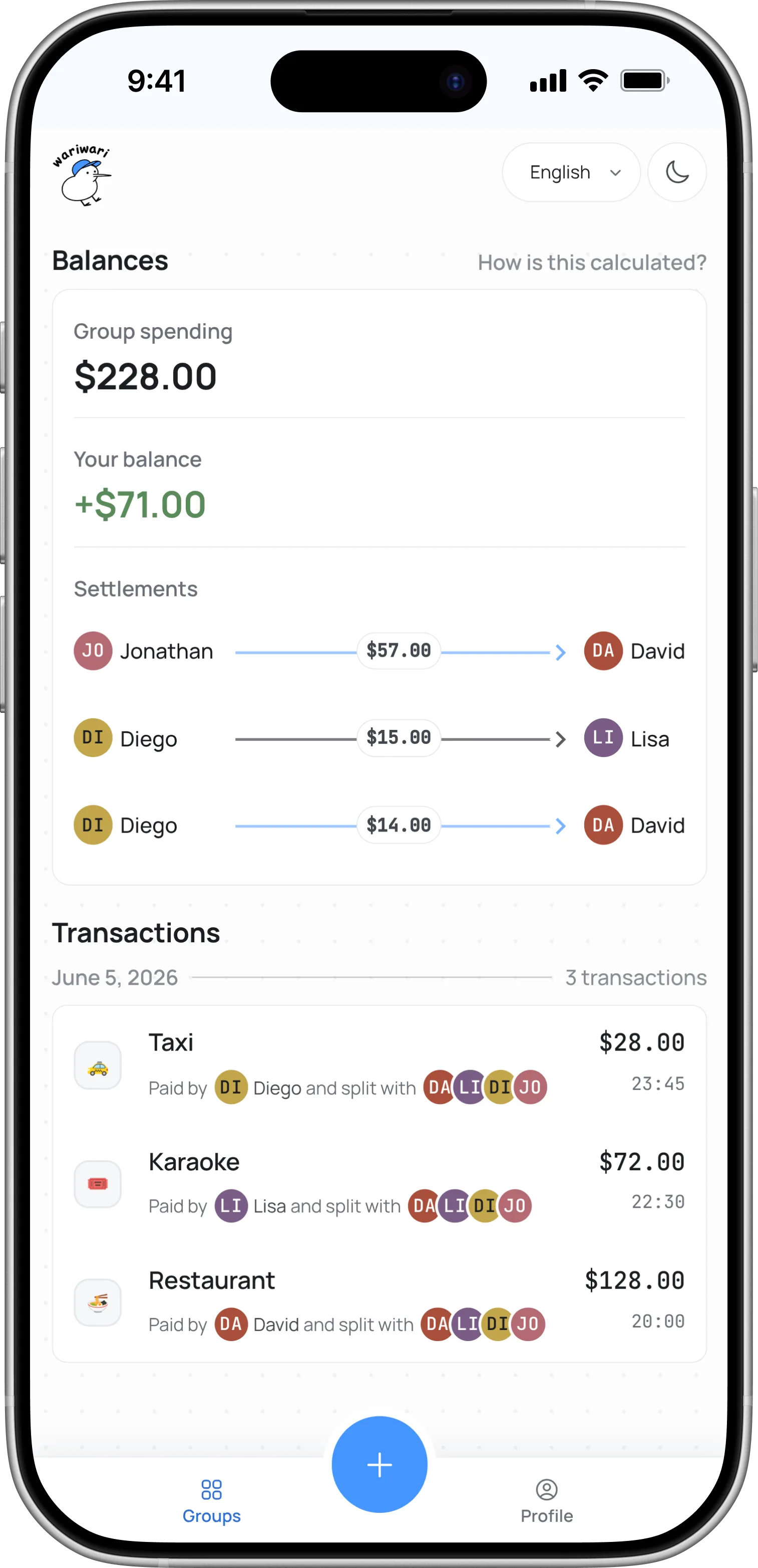
Supports equal splits, exact amounts, percentages, shares, and multiple currencies.
No currencies found.



 Jonathan
Diego
Diego
David
Lisa
Diego
Lisa
David
Diego
Jonathan
Jonathan
David
Jonathan
David
Lisa
David
Diego
David
Jonathan
Diego
Diego
David
Lisa
Diego
Lisa
David
Diego
Jonathan
Jonathan
David
Jonathan
David
Lisa
David
Diego
David
Without simplification, the same group can end up with overlapping repayment requests.
Trips and events can pile up paybacks fast. wariwari shows who should pay whom in a simpler list.
wariwari's core features are free for everyone.
Some extra features are available with the Premium plan.
Not necessarily. They can join a group from a link without creating an account.
If they want to manage multiple groups or keep access from another device, they can create an account later.
Yes. wariwari is built for shared groups, so multiple people can add and update expenses.
The exact access depends on the group's sharing settings. Some groups are open to anyone with the link, and others can limit editing to specific members.
Yes. Each group has one base currency, and you can also add expenses in other currencies.
When you do, wariwari converts the expense into the group currency using the exchange rate available at the time of the transaction, then saves that converted amount with the transaction. That keeps balances and history stable later, even if exchange rates move afterward.
Yes. If you link the group to your account, you can open it again on another device and keep working there.
If you only opened the group as a guest in one browser, it stays available there until you claim your member or join with an account.
Yes. If another app can export your expense data as a CSV file, you can bring it into wariwari.
CSV import is available when creating a new group or from the add-transaction menu.
No. wariwari organizes who should pay whom, but it does not send money or charge anyone.
You can add payment details to your wariwari account to help people open a payment app, and then mark payments as paid after settlement.
Yes. You can export and download a group's transaction data as a CSV file for backup.
wariwari stores your data with appropriate encryption, and we do not sell your data to third parties.
Bank or payment-service connections are not required. You can also delete group data when you no longer need it.
See the privacy policy for details.

He's there to keep things light. wariwari does the useful part: shared expenses, clear balances, and one simple settle-up list.
See Wally official LINE stickers!